

Overcharging & keeping at 100%
Q: Is it okay to leave my phone charging overnight?”
A: I used to think it was fine. Plug it in, forget about it, wake up — 100%. Looked neat. But honestly, keeping it stuck at full for hours isn’t harmless. The battery kind of ages faster, like it’s sitting there bored and overworked. I noticed mine started draining quicker during the day, almost sulking at me for leaving it plugged in too long. Better trick? Unplug around 80%—it — feels odd at first, but the battery thanks you later. I remember once pulling the charger out half asleep and mumbling, “Enough already.” Funny moment, but I swear the battery behaved better the next day.
Myth: Keeping it full means stronger battery.
Reality: Lithium‑ion cells hate being at 100% for hours. They age faster. I learned the hard way when my phone started losing charge halfway through the day—not even evening, just after lunch it was gasping. Felt ridiculous carrying a charger everywhere.
Personal note: These days I unplug around 80%. Feels odd, like leaving a glass half‑full, but it works. The battery actually lasts longer. And yeah, I’ve even woken up at night, pulled the charger out half‑asleep, muttered something silly, and gone back to bed. Paranoid? Maybe. But the phone doesn’t complain as much anymore.
Frequent Full Charge Cycles
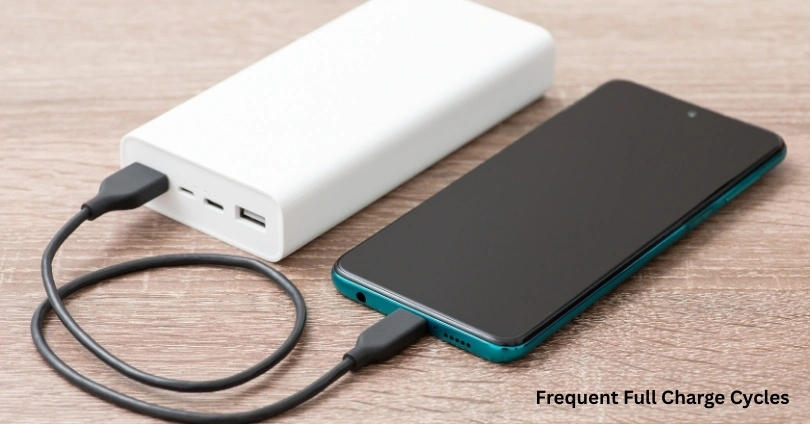
Q: “Should I drain my phone to zero before charging?”
A: That’s what I used to believe. Felt disciplined, like I was using every drop of energy. But every deep discharge made the battery weaker.
Myth: Draining to zero keeps the battery strong.
Reality: Every deep discharge hurts it. I learned after my phone started dying quicker. Lithium‑ion batteries prefer shallow cycles. Plugging in around 20% keeps them stable.
Personal note: I once ignored this and drained my phone completely during a trip. It shut down in the middle of a call. Embarrassing moment, and the battery never felt the same afterwards.
Excess Heat Exposure
Hot cars, direct sunlight, even gaming while charging — all of these cook the battery. I once left mine on the dashboard. Came back to a dim screen and a battery acting grumpy, like it had just run a marathon. Shade and airflow aren’t fancy extras — more like basic survival tricks.
Q: “Does heat really damage batteries?”
A: More than anything else. I left mine in a car once and came back to a dim screen and a battery that felt half‑dead.
Myth: “Phones can handle summer heat.”
Reality: They can’t. Heat cooks the cells. Charging in sunlight or gaming while plugged in? Terrible idea. The phone heats up, the battery gets moody, and honestly, it ages faster. I learned that the hard way when mine felt like a pocket heater.
Tip: Keep it shaded if you can. I sometimes yank the case off while charging—it looks silly, but it helps. And dashboards? Forget it. That’s basically an oven for your phone. Tiny habits, yeah, but they save you from bigger headaches later.
Cheap or Non‑Certified Chargers
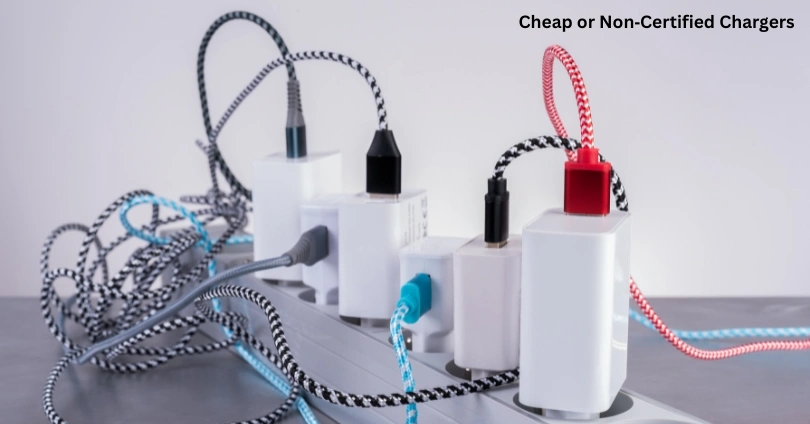
I laughed at “original chargers” until a cheap one nearly fried my phone. Voltage spikes, overheating — not worth the risk. Certified chargers aren’t fancy; they’re just safe.
Q: “Are cheap chargers really that bad?”
A: I laughed at the idea until one nearly fried my phone. Voltage spikes, overheating — not worth the risk.
Myth: “All chargers are the same.”
Reality: Certified chargers deliver stable power. Cheap ones strain the battery and sometimes even damage the port.
Anecdote: I bought a roadside charger once. The phone heated up like a stove. That scare was enough. Since then, I stick to certified ones.
Background Apps & High Brightness
Leaving apps open and brightness maxed out is like running a treadmill nonstop. The battery drains, cycles pile up, and lifespan shrinks. Closing apps feels boring, but it works.
Q: “Do background apps really matter?”
A: Yes. Leaving apps open is like running a treadmill nonstop. The battery drains, cycles pile up, and lifespan shrinks.
Myth: “Brightness doesn’t affect battery health.”
Reality: Max brightness makes the battery sweat — it works harder, heats up, and drains quicker.
Personal note: I used to keep brightness maxed out, thinking it didn’t matter. Looked nice, sure, but the phone felt like a tiny heater in my hand. The battery drained like water. Closing apps and lowering brightness feels boring, but it works.
Gaming & Streaming Marathons
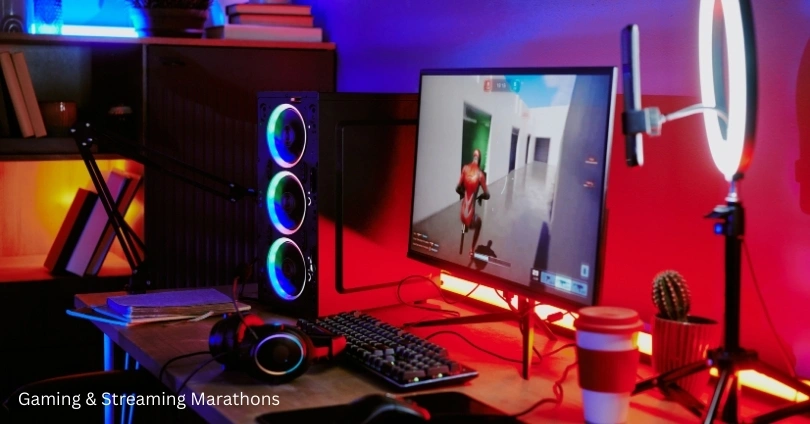
I’ve done the late‑night gaming marathons. Fun for me, torture for the battery. It heats, slows, and sometimes refuses to charge properly after. Breaks aren’t just for me — they’re for the phone too.
Q: “Can gaming damage the battery?”
A: Not instantly, but long marathons torture it. Heavy use keeps the processor and battery under continuous load.
Myth: “Gaming only drains, not damages.”
Reality: Continuous heat and cycles shorten lifespan. I’ve seen my phone slow down after endless streaming nights.
Anecdote: Late‑night gaming sessions were fun for me and torture for the battery. It heated, slowed, and sometimes even refused to charge properly after. Breaks aren’t just for me — they’re for the phone too.
Ignoring Software Updates
Skipped updates for months, thought I was saving time. Instead, the phone drained faster. Updates patch bugs that quietly eat battery. Now I let them run, even if they interrupt me.
Q: “Do updates really help battery life?”
A: Absolutely. Updates often include optimizations. Skipping them leaves bugs that drain power unchecked.
Myth: “Updates are just cosmetic.”
Reality: They patch issues that quietly eat battery.
Personal note: I skipped updates for months, thinking I was saving time. Instead, the phone drained faster. Now I let them run, even if they interrupt me.
Final Thought
Smartphone batteries don’t collapse in one day. They fade because of small habits we ignore. Overcharging, cheap chargers, heat, gaming — I’ve been guilty of all of them. Changing those habits wasn’t complicated, just practical. And now my phone feels less like a cranky patient, more like a steady partner.