

Have you ever been playing your favorite game or watching a video when suddenly your phone feels like a hot potato? Or maybe a message pops up saying, “Phone needs to cool down before you can use it.” In this article, we will show you the best ways to protect your phone from overheating so you can save it from slow charging, signal loss, and a shortened overall lifespan of your device.
Just like humans get tired and sweaty when it is too hot outside, smartphones also struggle with heat. Because phones are small and do not have fans inside them like computers do, they can overheat very easily. If a phone stays hot for too long, it can slow down, the screen can get dim, and the battery can even be permanently damaged.
At MobileInfo.pk, we want to help you keep your tech safe. Here are the best ways to keep your phone cool and running perfectly!
-
Keep It Out of Direct Sunlight
The sun is the biggest reason phones get too hot. If you leave your phone on a table outside or near a sunny window, the black screen acts like a magnet for heat. It absorbs the sun’s rays and gets hot very quickly.
What to do: Always keep your phone in the shade. If you are at the park or the beach, tuck it inside a bag or under a towel. Never leave your phone on the dashboard of a car, as the glass makes the heat even stronger, like an oven.
-
Take Off the Case
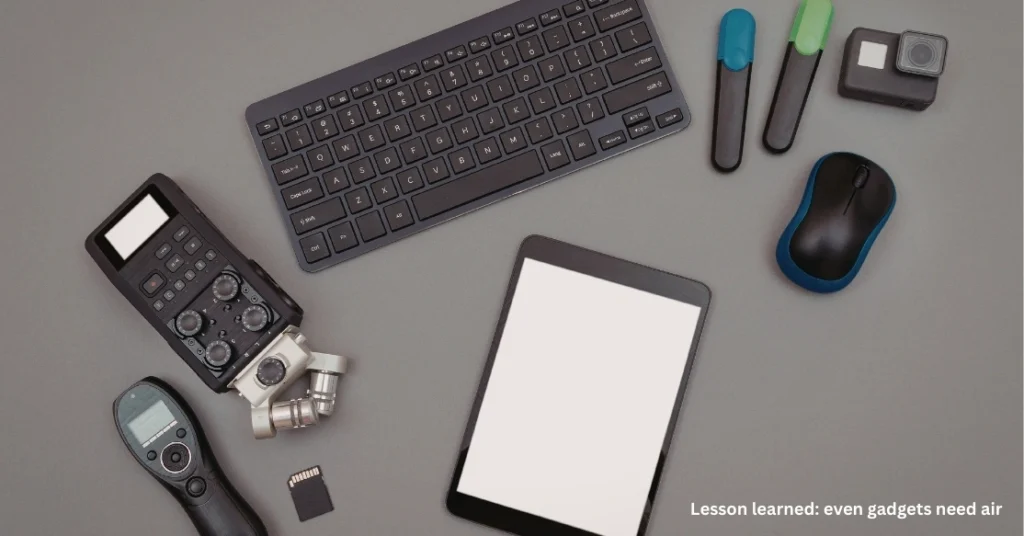
Most of us use plastic or rubber cases to protect your phone from overheating and breaking. However, these cases can act like a warm winter jacket. While a jacket is great for you in the snow, it is bad for a phone trying to stay cool. The heat gets trapped between the phone and the case and has nowhere to go.
What to do: If you notice your phone getting warm while you are playing games or charging it, take the case off for a few minutes. It allows the air to touch the back of the phone and cool it down much faster.
-
Lower Your Screen Brightness
Did you know that your screen uses a lot of energy? When your brightness is turned all the way up, your phone has to work extra hard, which creates internal heat.
What to do: Turn your brightness down to a comfortable level. You can also turn on “Auto-Brightness,” which helps the phone decide how much light it needs based on the room you are in. It saves battery, protect your phone from overheating and keeps the phone cool.
-
Close Apps You Aren’t Using
Think of apps like little engines running in the background. If you have thirty apps open at once, even if you aren’t looking at them, your phone’s “brain” (the processor) is still working to keep them ready. The more work the brain does, the hotter it gets.
What to do: Swipe away the apps you are finished with. Especially close “heavy” apps like maps, high-graphics games, or video editors when you don’t need them.
-
Don’t Play Heavy Games While Charging
Charging your phone already creates a little bit of heat. If you play a huge online game at the same time, you are asking the phone to do very “hot” jobs at once. It is the fastest way to make a phone overheat.
What to do: If your phone needs to charge, give it a break. Let it be on a flat, cool surface (like a wooden table) until it is fully charged. Once it is charged and unplugged, you can go back to your gaming!
-
Turn Off Extra Features
Features like Bluetooth, GPS (Location), and Wi-Fi are always searching for signals. This constant “searching” uses energy and creates heat.
What to do: If you are in an area with a very weak signal, or if you aren’t using your wireless headphones, turn these features off. You can even use Airplane Mode for a little while if the phone feels very hot; this stops all signals and lets the phone rest completely.
-
Never Put Your Phone in the Freezer!
It is a very important rule. When a phone is burning hot, some people think putting it in the freezer or fridge will help. Do not do this!
Going from very hot to very cold very quickly can cause “condensation.” It means tiny water drops can form inside your phone, which can ruin the electronics.
What to do: The best way to cool a phone is to put it in front of a fan or just leave it alone in a cool room. Blowing cool air on it is much safer than freezing it.
Quick Summary for Mobile Info Readers:
- Shade is your friend: Keep it away from the sun.
- Let it breathe: Take off the case if it feels warm.
- Stop the “heavy” work: Close extra apps and avoid gaming while charging.
- Cool it slowly: Use a fan, not a freezer.
By these following simple steps, you can protect your phone from overheating and make sure your device lasts for a long time. Stay cool!